
How to put an animated character on your Mac desktop
A desktop companion is an artwork window that can sit alongside your everyday work. Transparent artwork lets your existing wallpaper show around the character. Start with one favorite and give it a little space.
Find artwork you enjoy
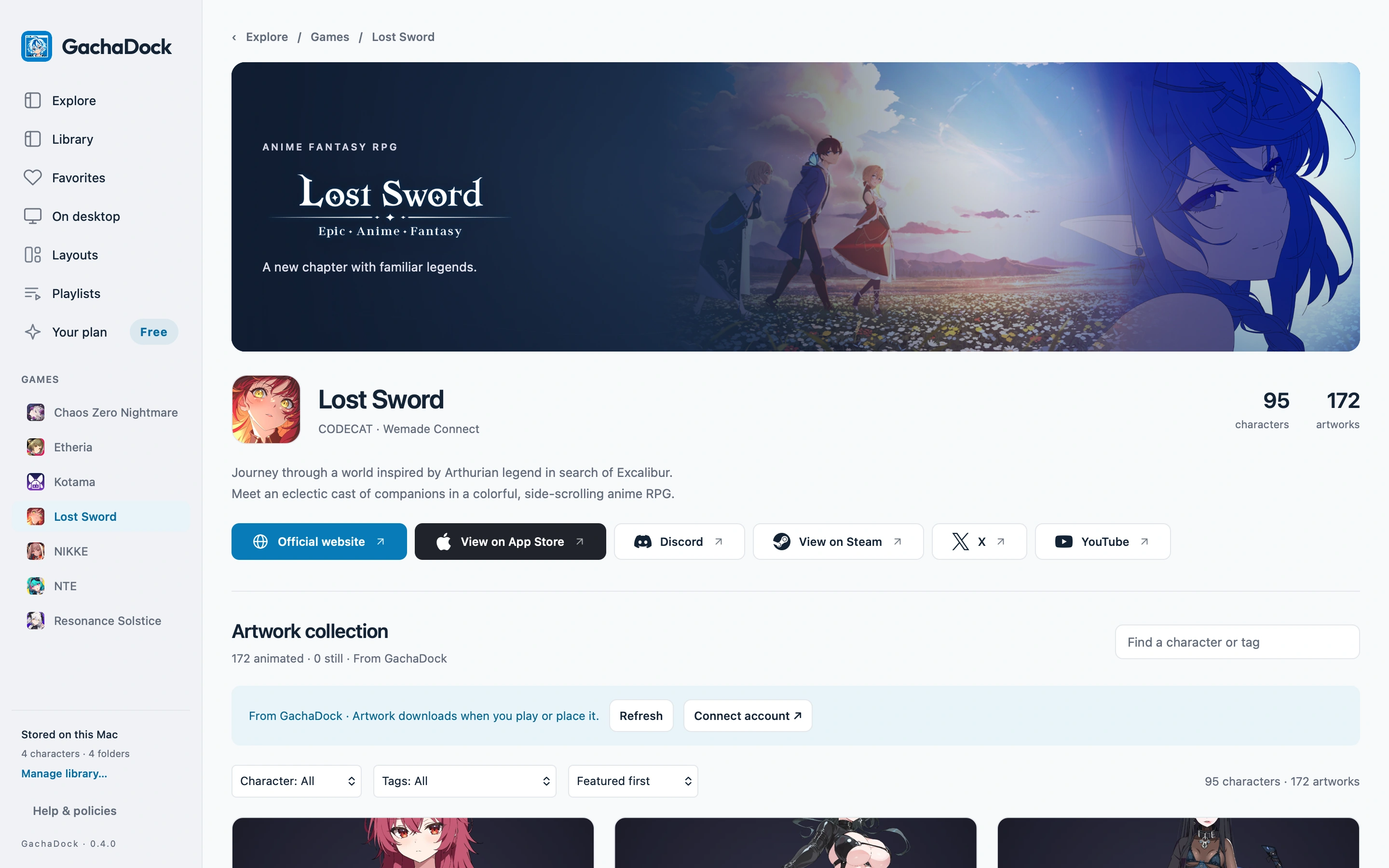
Open Explore or a game profile in GachaDock for Mac. Open a character’s artwork and play its preview when an animation is available. Original artwork and curator credits stay beside the piece.
Make it yours
Choose Place on desktop. In the configuration view, select the artwork or scene and a motion available in that package. Check the preview before placing it.
Find a comfortable size
Drag the companion into position and use its resize handle to adjust the size. Right-click for placement options, including Keep on top or Send to back.
Balance quality and activity
Choose quality for each element. Higher resolution is useful for a large companion; smaller elements may need less. With Premium, save desktop layouts for switching between arrangements.