
A LITTLE HELP GETTING STARTED
Make it feel like yours.
Companions, cards and wallpapers.
A few simple ways to begin.
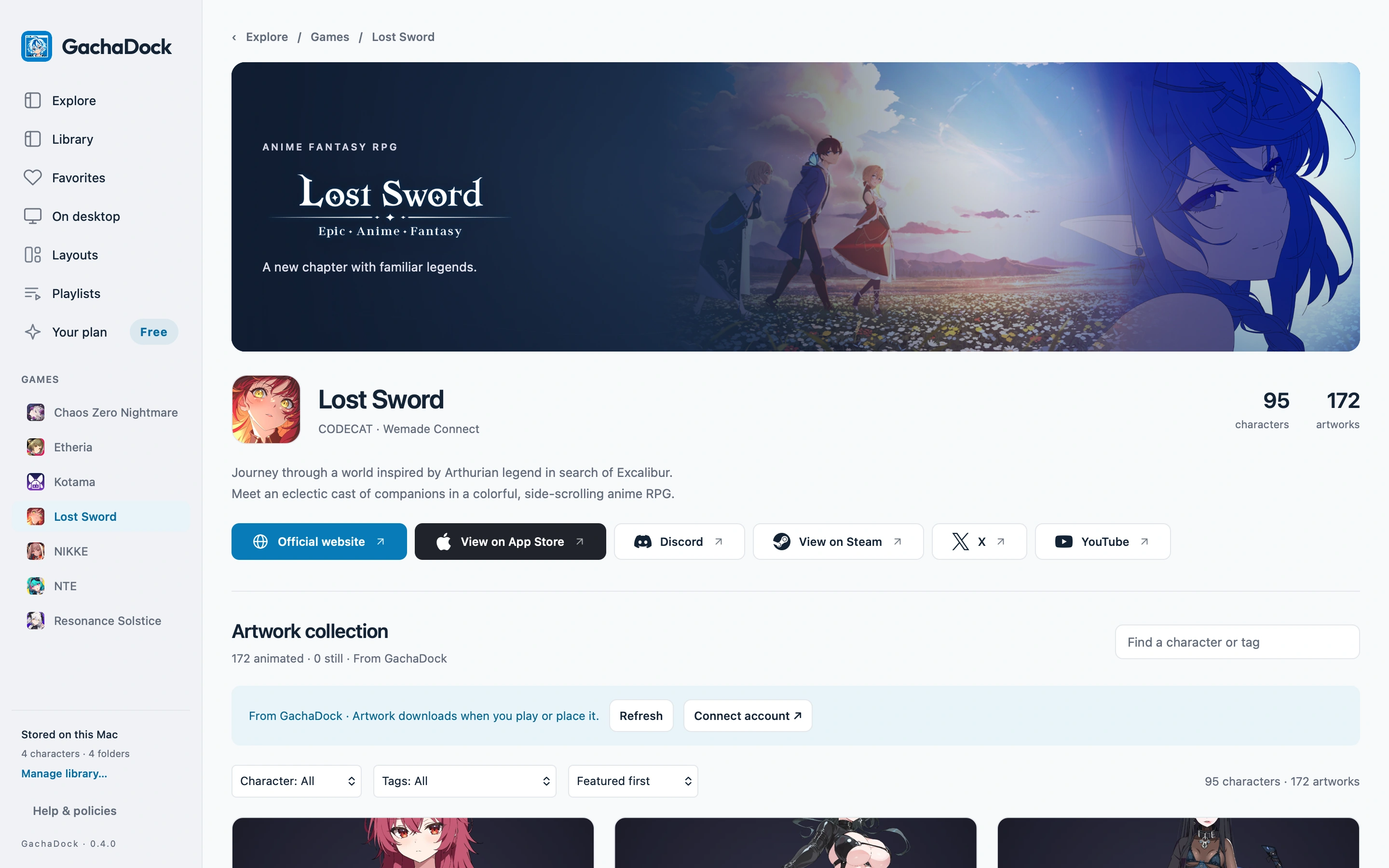
How to put an animated character on your Mac desktop
Choose artwork, preview its motions and place an animated companion on your Mac desktop with GachaDock. Adjust size, placement and quality to suit your space.
Read the guide ↗How to create a character card in GachaDock
Turn a favorite artwork into a character card. Explore fit and fill, front and back layers, logo colors and foil finishes, then inspect the finished card.
Read the guide ↗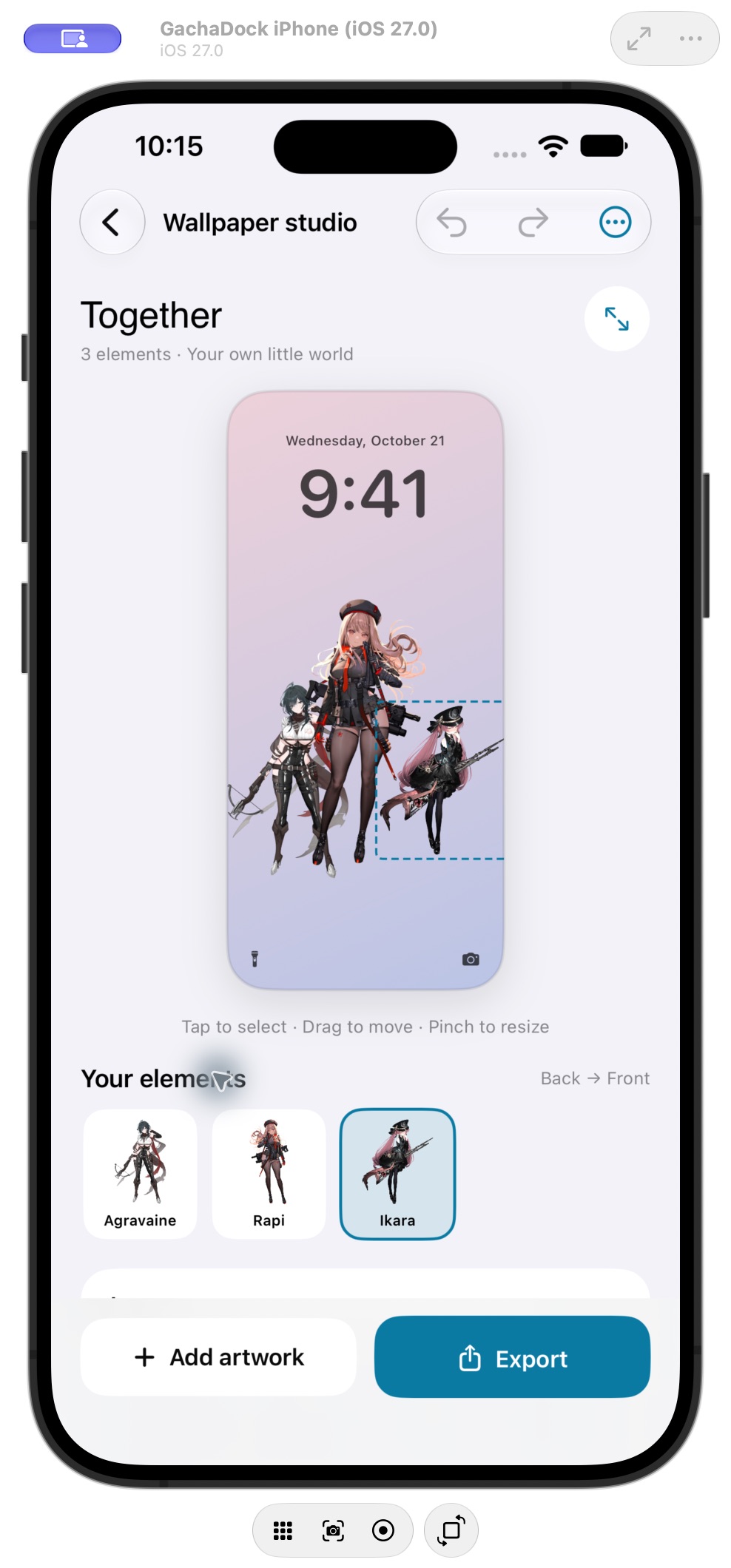
How to create a character wallpaper on iPhone
Arrange characters in GachaDock’s iPhone Wallpaper Studio, adjust their layers and export a still wallpaper. Premium adds multi-artwork compositions and saved designs.
Read the guide ↗How sharing works in Gacha Plaza
Share your own card or finished wallpaper, understand the review process and keep design and original artwork credits intact in Gacha Plaza.
Read the guide ↗