
How to create a character card in GachaDock
A good card starts with the artwork. Leave room around a face, give a detailed scene space to breathe, and choose a finish that complements the image. You can keep the result private or submit your own design to Gacha Plaza.
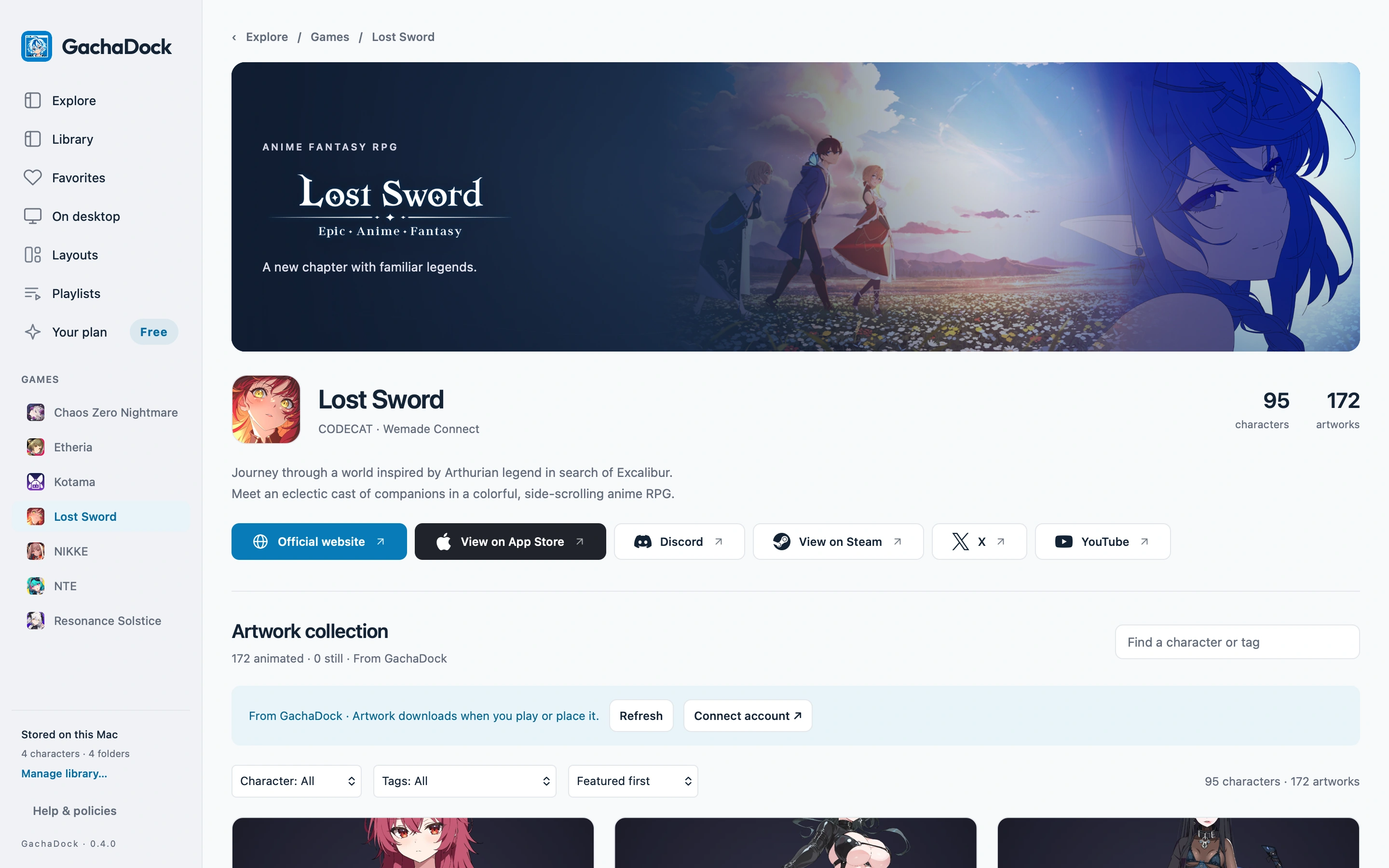
Start from an artwork
Open an artwork in GachaDock and choose Create Card. Use an approved source you are allowed to share if you intend to publish the design later.
Choose your framing
Use Fit to keep the whole artwork visible, or Fill to cover the card and crop its edges. Adjust the position so important details remain inside the frame.
Build both sides
Arrange your layers and choose a game logo color that has good contrast. Inspect the back as well as the front. A restrained foil finish can bring out detail without covering the character.
Save and inspect
Save the card, then inspect it with tilt, flip and zoom. Supported source animation can be enjoyed in the native viewer. Your own saved original remains editable.