
How to create a character wallpaper on iPhone
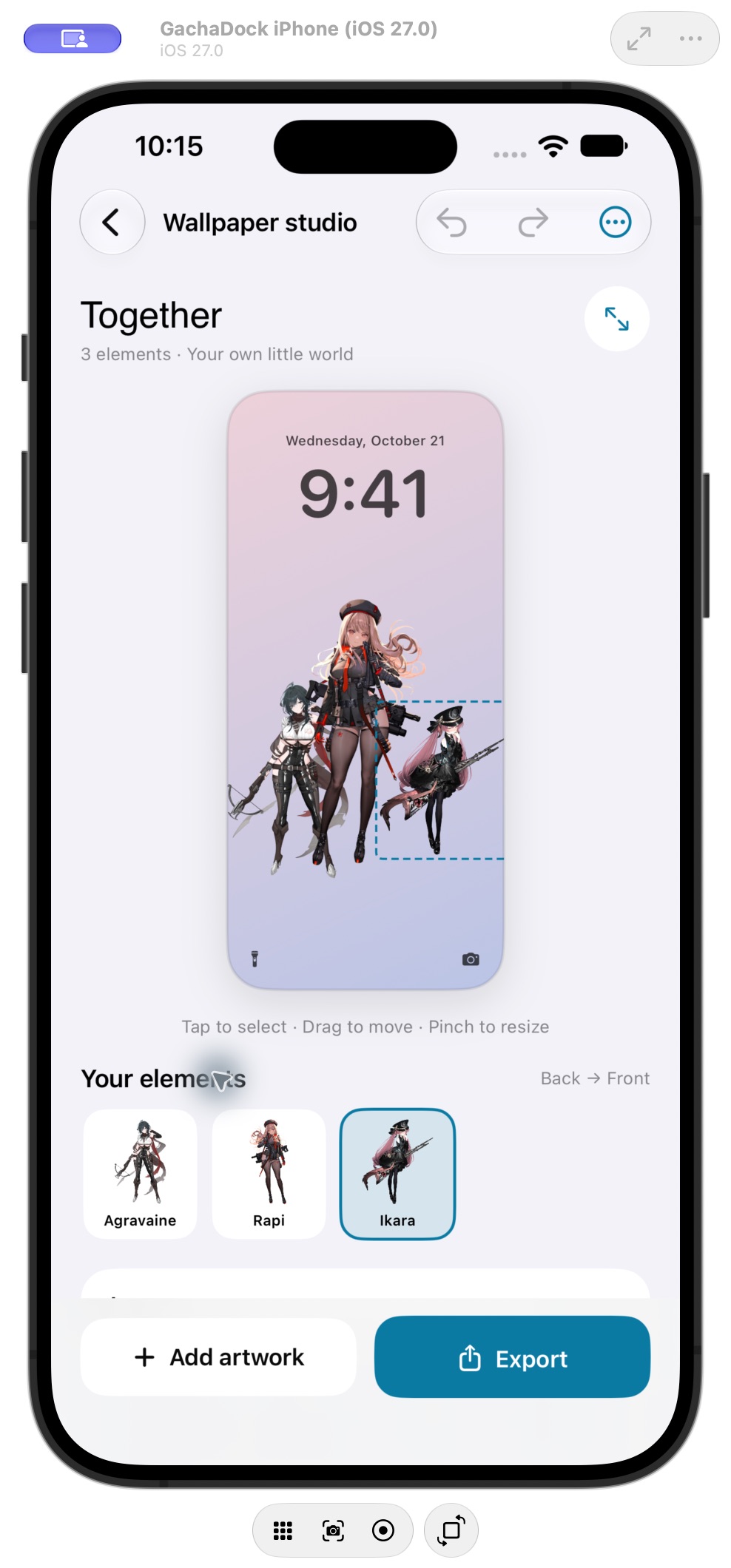
Think of the phone screen as a composition. Leave room for the clock and controls, choose a background that helps the characters stand out, and check the full arrangement before exporting.
Choose a starting artwork
Browse the iPhone library by game and character, then open Wallpaper Studio with the artwork you want to use.
Arrange your composition
Move, resize, rotate, flip and reorder the elements. With Premium, combine several artworks in one composition and save an editable design for later.
Export the finished image
Export a still wallpaper to your device. Your editable Studio design and the finished image are separate: the image is what you use as a wallpaper.
Set the wallpaper on iPhone
Use the exported image with your iPhone’s normal wallpaper controls. Check how the image sits behind the clock and other Lock Screen elements before you finish.